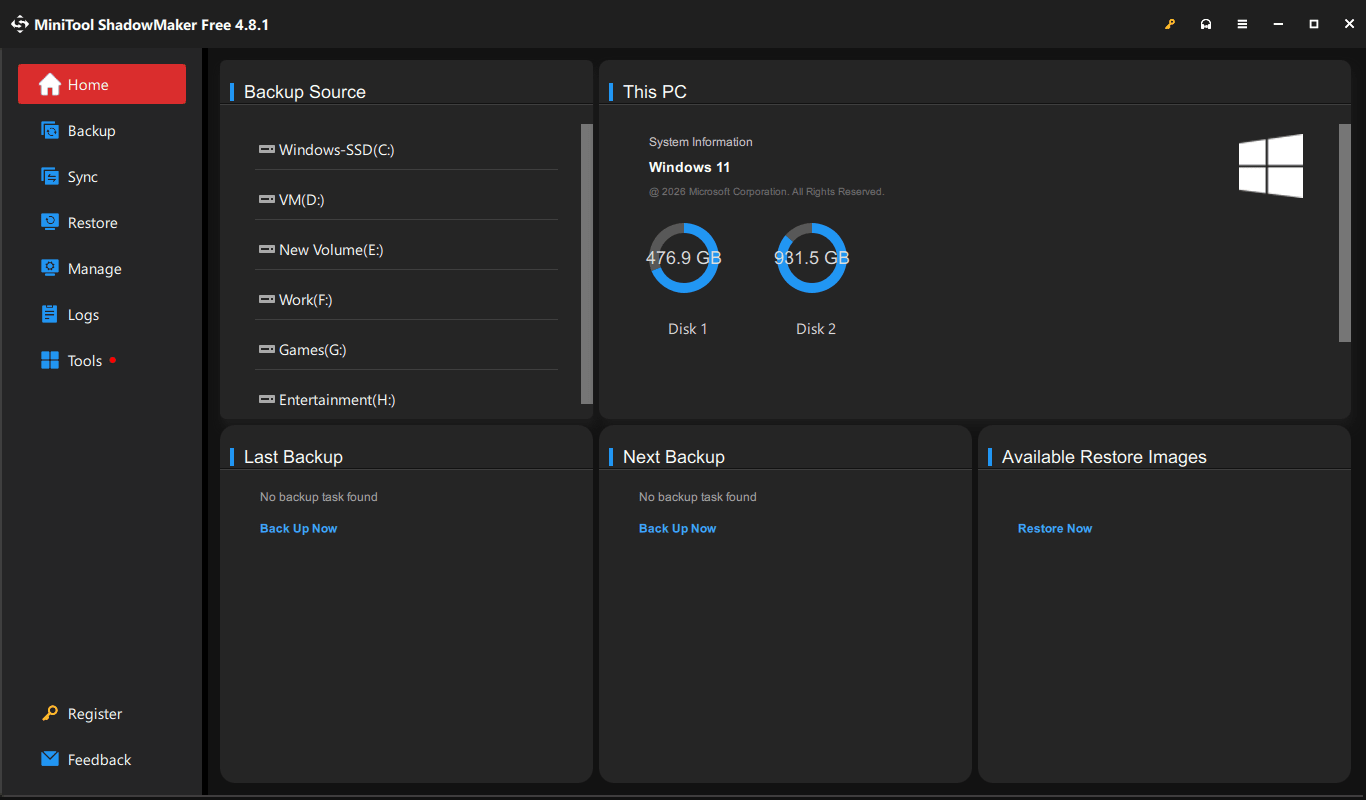
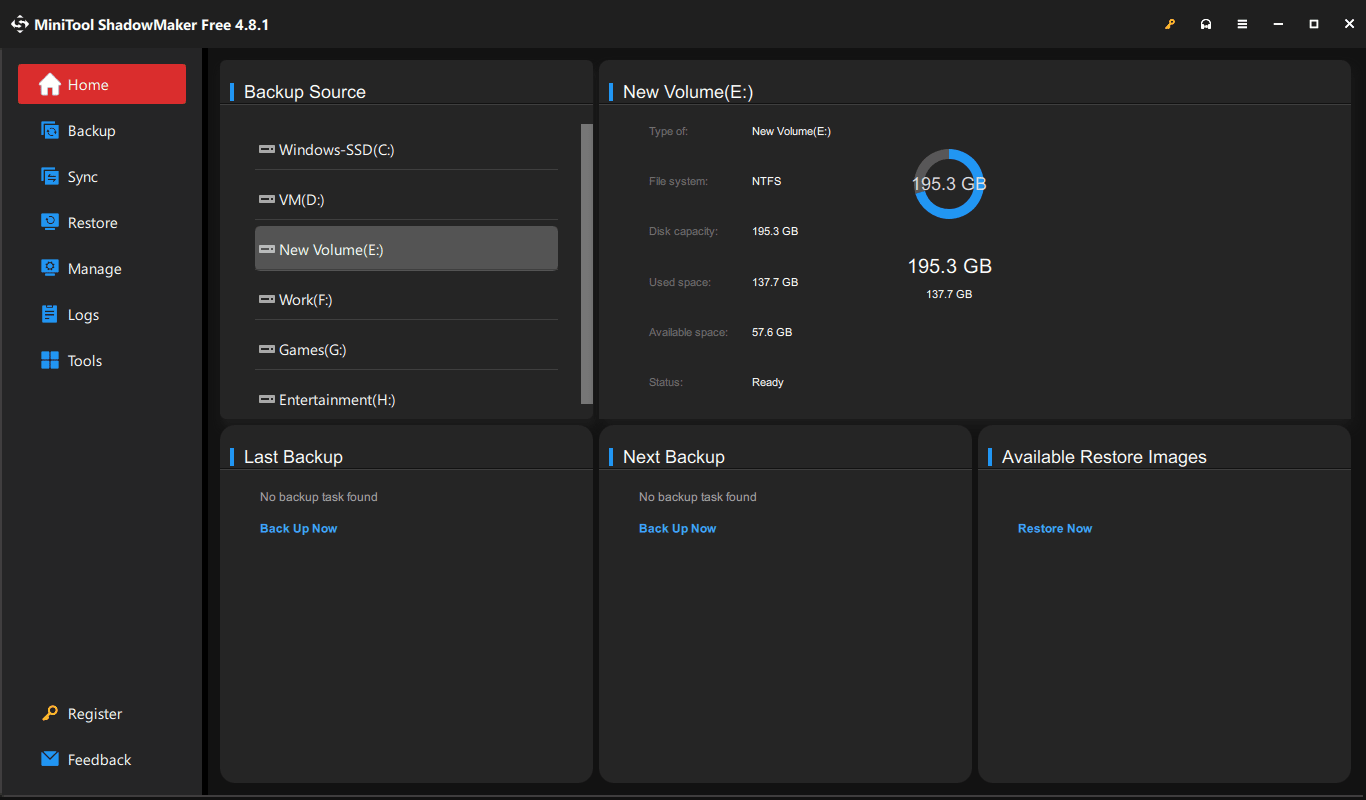
MiniTool ShadowMaker is a data backup and recovery utility built to protect your Windows system, hard drives, and partitions from hardware failure or malicious attacks. Whether you need to migrate to a new SSD, secure files against ransomware, or establish a disaster recovery plan, a dependable backup tool is essential.
Like other MiniTool software, this Windows-exclusive desktop application handles everything from straightforward file synchronization to full sector-by-sector disk imaging. It avoids overwhelming beginners with complex server-level jargon, opting instead for a clean interface that acts as a set-it-and-forget-it safety net for critical data.
System imaging, cloning, and file synchronization
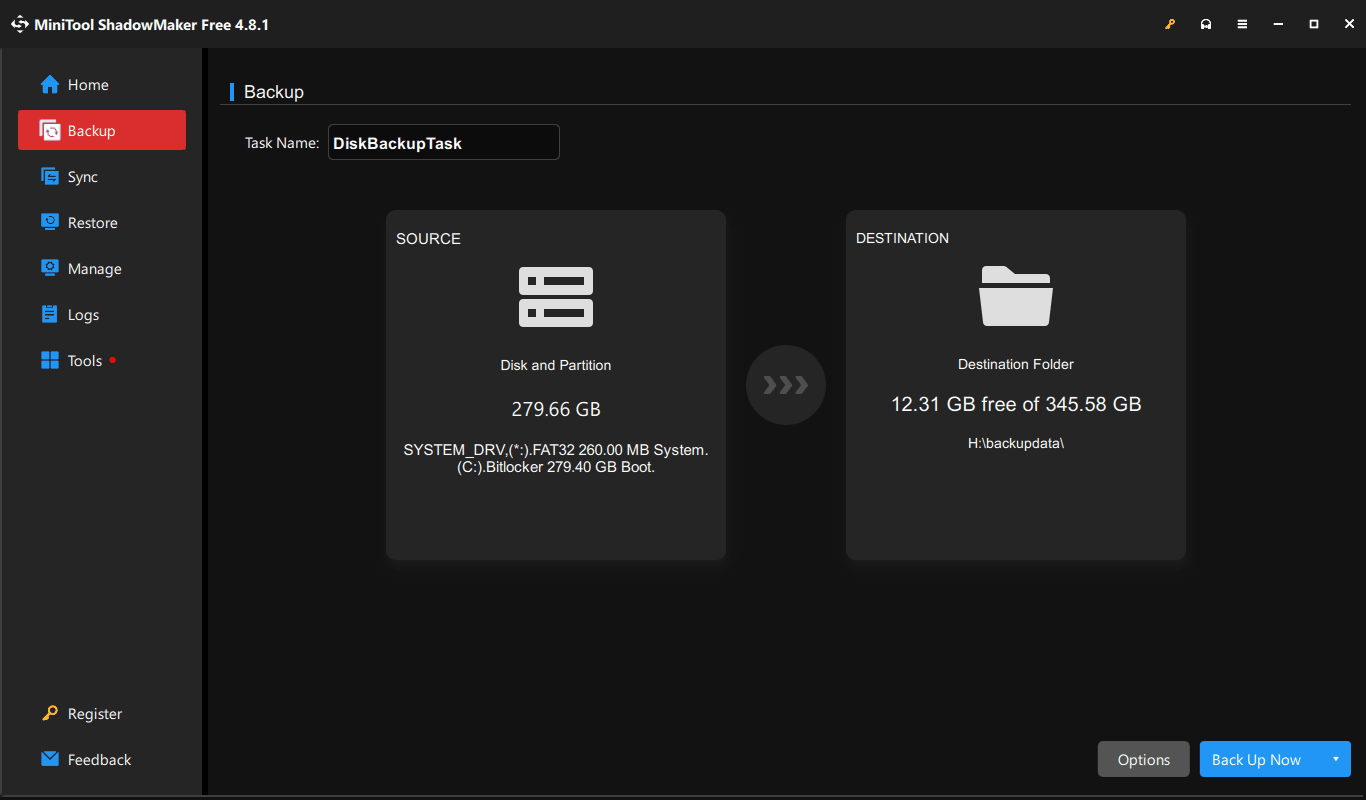
The core of the application revolves around disk imaging and cloning. It strips away the complexity often found in traditional backup software, letting you quickly back up your entire Windows OS, specific partitions, or individual folders. The software compresses this data into a single image file you can easily restore if your system crashes.
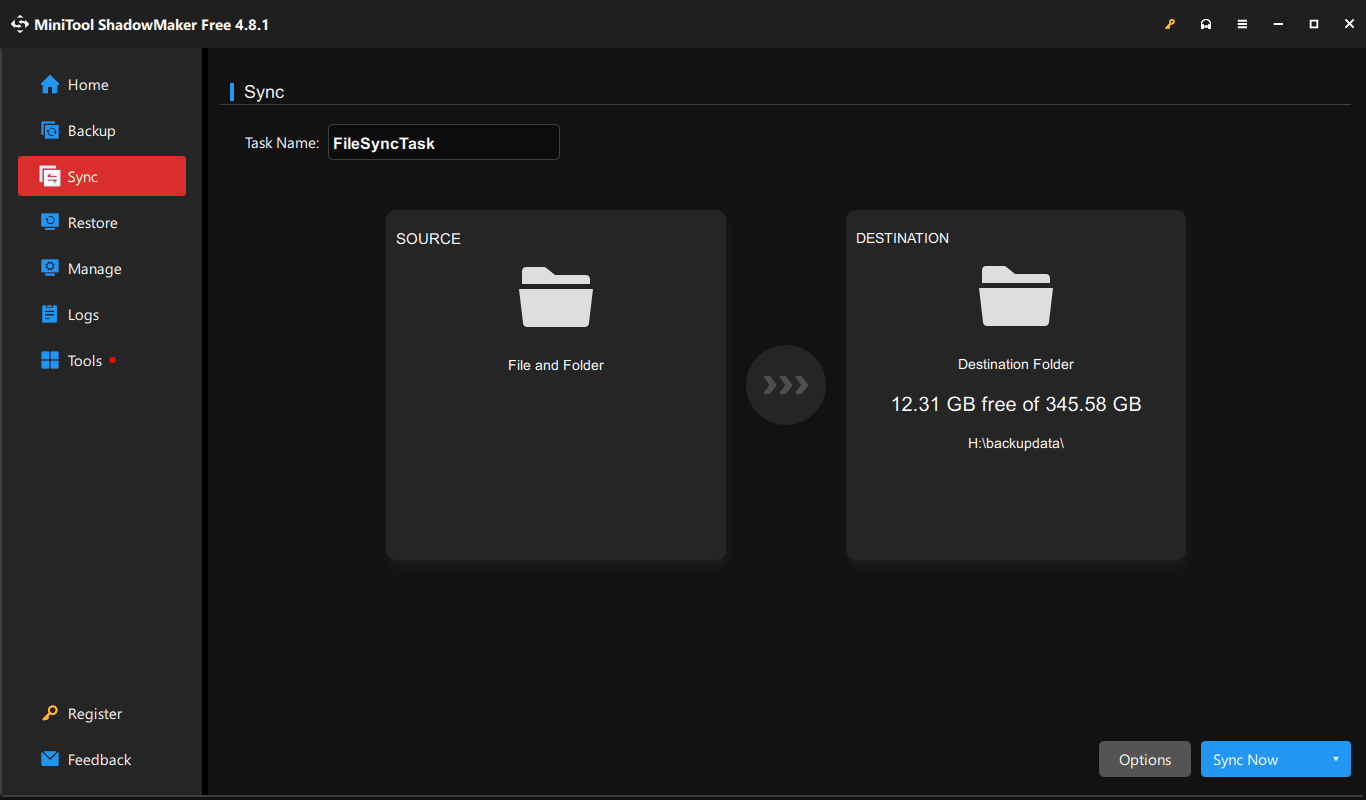
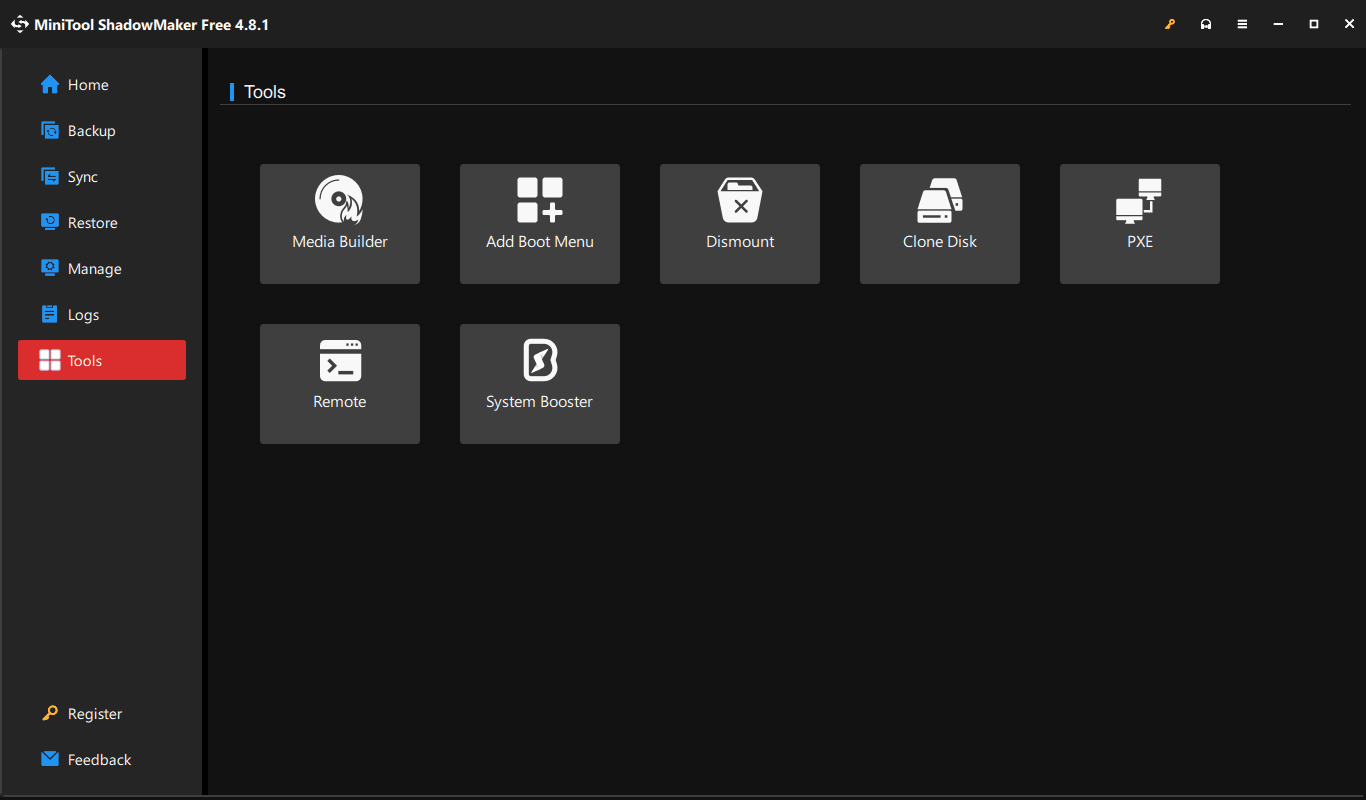
A built-in disk cloning utility lets you create an exact 1:1 replica of your drive. The free version only clones data drives; migrating your operating system to a new SSD requires a paid Pro license. You also get a one-way file synchronization tool that works perfectly for mirroring specific folders without generating compressed image archives.Backup scheduling and bootable media
Relying on manual backups guarantees you will eventually forget to run one right before a hardware failure. ShadowMaker prevents this by letting you automate the process on a daily, weekly, or monthly basis.
The software includes a WinPE bootable media builder as an essential failsafe. You can install the recovery environment onto a USB flash drive, allowing you to boot the PC and restore the system image even if Windows refuses to load. While the free tier offers plenty of utility, advanced backup management methods remain locked behind paid versions.Pricing and availability
MiniTool ShadowMaker operates on a freemium licensing model. The free edition handles basic full system backups, simple file syncing, and data drive cloning perfectly well for everyday users. Upgrading to the Pro tier unlocks advanced features like differential backups, file encryption, OS disk cloning, and backup-on-event triggers.
The paid tiers offer flexible licensing, including monthly and annual subscriptions alongside a perpetual one-time purchase. Because the final cost depends on the tier chosen and any active promotions, you should check the official website for current rates.A straightforward safety net for Windows users
This application is a solid, beginner-friendly choice for securing your data without tackling a massive learning curve. The free version packs enough utility to handle everyday full system backups and basic drive cloning. While restricting OS cloning and differential backups to the Pro tier is a slight drawback, the software remains a highly practical option for home users.